
A dashboard's space is measured as a data grid. One box in the grid represents the
smallest block that can be occupied. For example, the Email Tracker only uses one box but
the Tasks widget occupies many boxes within the grid.
By default, your Dashboard is 10 data grid boxes wide but you can change this by following
the steps below:
- Click the cog icon at the bottom right of the Dashboard. The Dashboard Widgets
a dialog will open.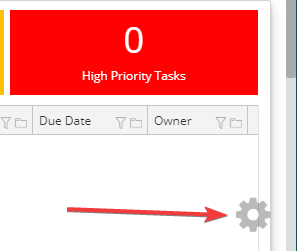
- Change the dashboard width to a new number.
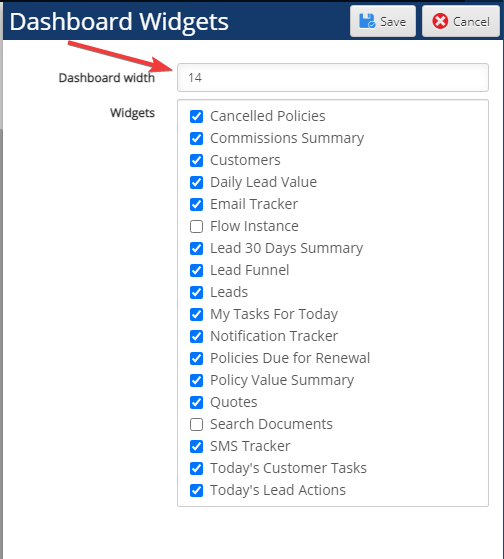
- Click "Save".
Comments
0 comments
Please sign in to leave a comment.