
Widgets can be moved anywhere on your dashboard where they will fit and not obstruct
other widgets. To move them, follow the steps below:
- Hover your mouse pointer over the top right corner of the widget. An icon with four
arrows will appear.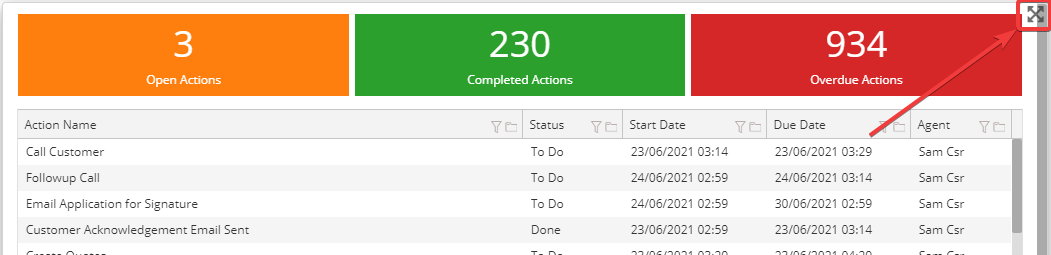
- Press the icon with 4 arrows and use that to drag the widget to the position you
desire.
Comments
0 comments
Please sign in to leave a comment.