
The Dashboard can be customized with any of the widgets that have been enabled for you.
First, press the cog icon at the bottom right of the Dashboard.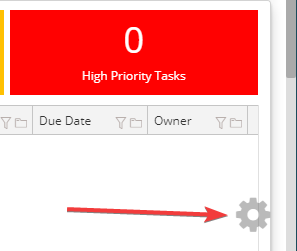
This will open up a dialog that allows you to change the width of the dashboard and also
a list of the widgets you can select. The widgets that are already on your Dashboard are
indicated with a check mark.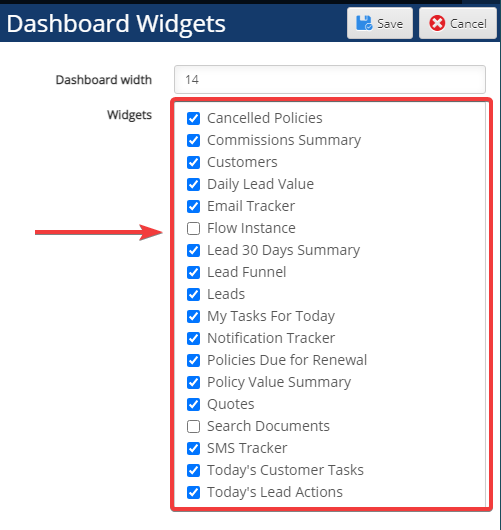
Although there are usually some widgets pre-configured for you, you do not need to keep
them if you prefer.
Comments
0 comments
Please sign in to leave a comment.