Add one or more widgets to your Dashboard by following the steps below:
- Click the cog icon at the bottom right of the Dashboard. The Dashboard Widgets
dialog will open.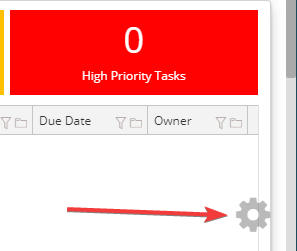
- Check each of the widgets that you would like to have on your Dashboard.

Add one or more widgets to your Dashboard by following the steps below:
Comments
0 comments
Please sign in to leave a comment.