
Your AGENCYMATETM account is billed automatically so it is not something you normally have to worry about.
However, sometimes the payment process can fail (e.g. there is not enough money in the account or account details have changed).
If this happens, you will need to correct the issue so the next payment collection attempt is successful. To do this, follow the steps below:
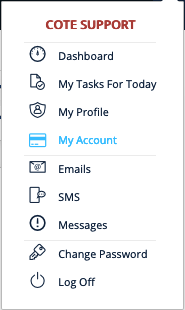
- Select the AgencyMate menu icon in the top right of the screen

- A menu will open. Select the My Account menu option.
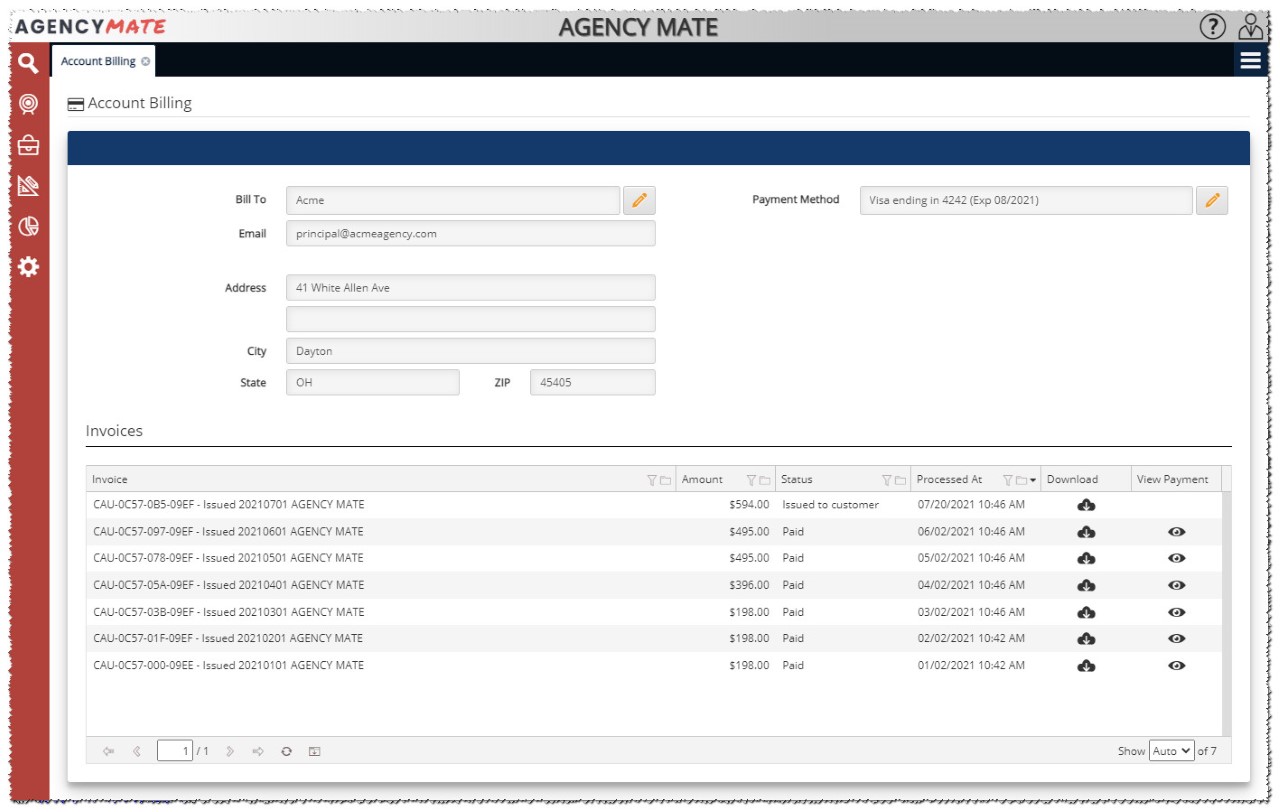
- The Account Billing screen will be opened. Update any field that needs to be corrected to allow payments to process.
Comments
0 comments
Please sign in to leave a comment.