
Companion apps are Windows applications that can assist you when working between Windows and the AGENCYMATETM application.
They need to be downloaded from and installed on your machine if you want to use them. To do this, follow the steps below:
- Press the Help button in the top right of the screen

- A menu will open. Select the Installers menu item

- A dialog will open. Select the virsaic Companion Apps option
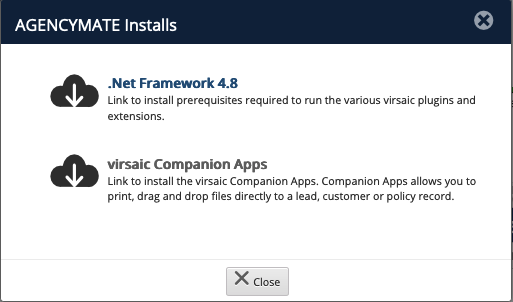
- This will start a download Save and execute the file. This will cause the installer to run. Follow the prompts to complete the installation.
- To get the full functionality of the installed apps, please reboot your computer and they will be available.
Comments
0 comments
Please sign in to leave a comment.