
Yes, you can. This feature is found in the menu at the top right of your screen. To access it, follow the steps below:
- Select the CoTé support icon in the top right (
 ). A menu will open.
 - Select the Messages (
 ) menu item from the menu. The Communications screen will open.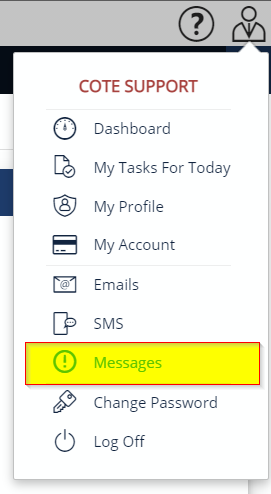
- In the right panel is a list of conversations you are involved in.
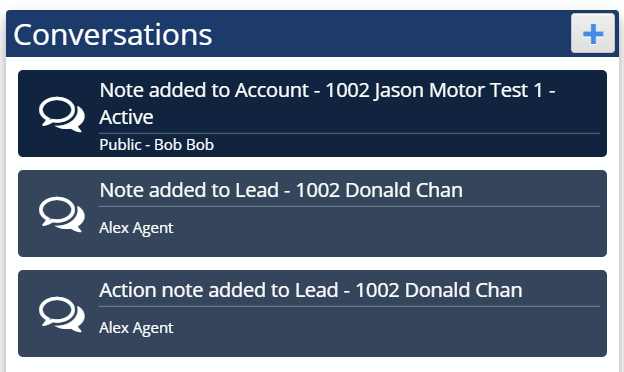
Select the conversation you want to post in or press the Add ( ) button to start a new conversation. If you choose to start a new conversation:
- The Create Conversation dialog will open.
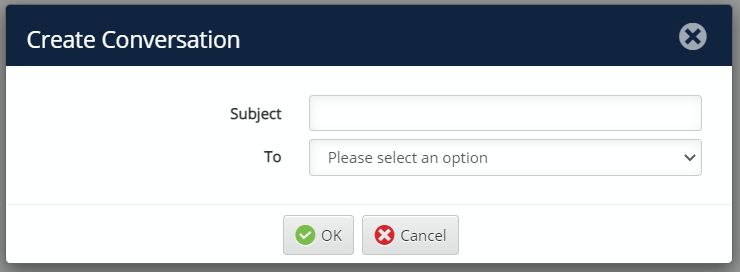
- Enter a subject title.
- Select one or more "To" recipients that you would like to have the discussion with.
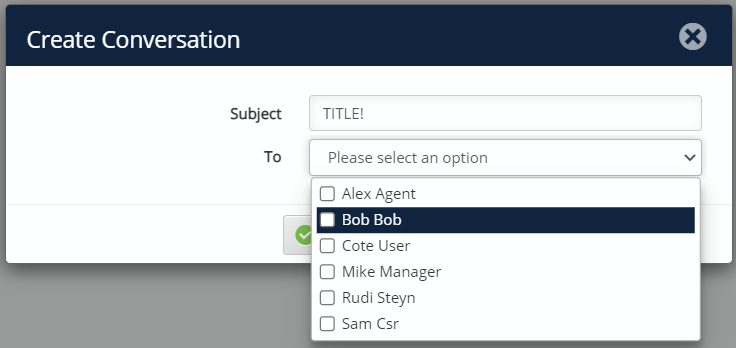
- Click ok
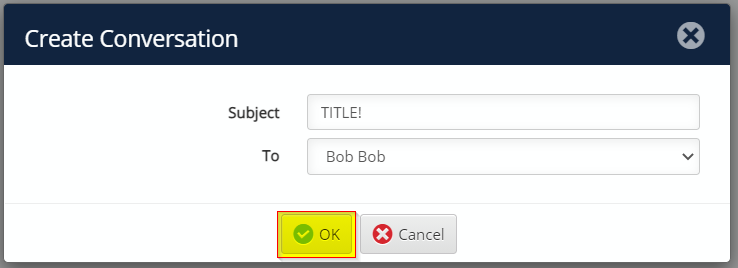
- The Create Conversation dialog will open.
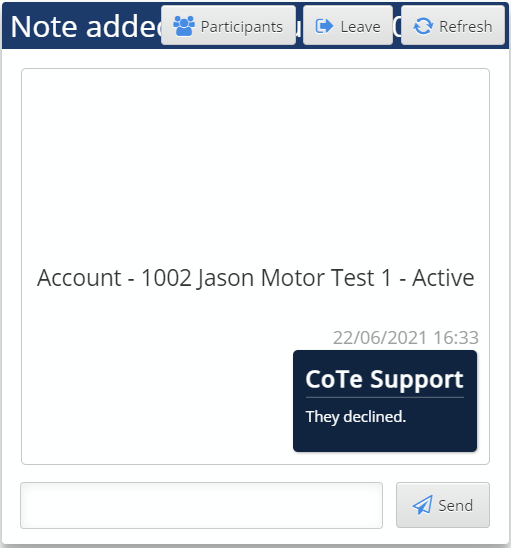
- The left panel displays the current conversation. To send a message, enter your text in the text box at the bottom of the screen and press the Send button. All recipients will then see your message and can respond if they choose.
Comments
0 comments
Please sign in to leave a comment.